Two screens on iPhone Duo and foldables
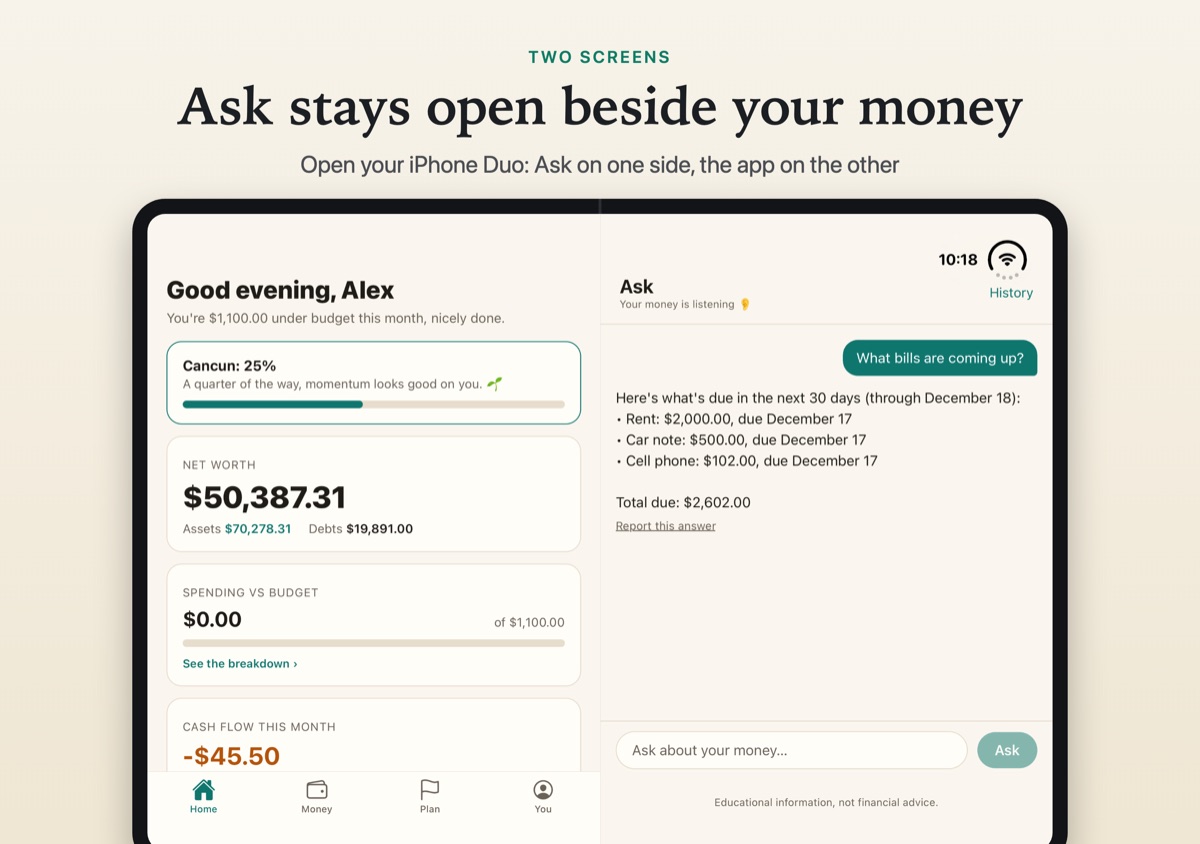
Open your phone and BetterBudget uses both halves. Ask, the assistant that answers from your own numbers, stays open on one side while you move around the app on the other.
What it does
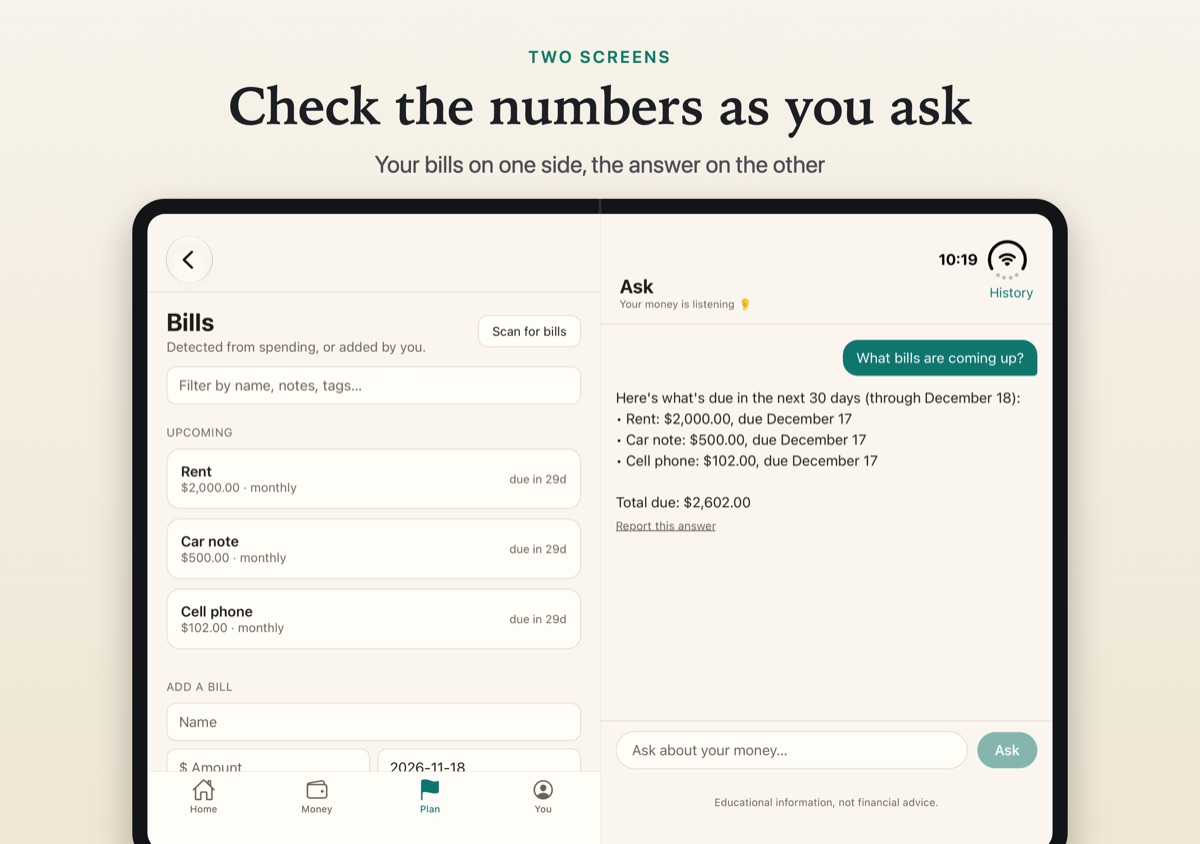
Ask beside your money. Ask stays on the right while Home, Budgets or Bills sit on the left, so you can check the numbers as you ask.
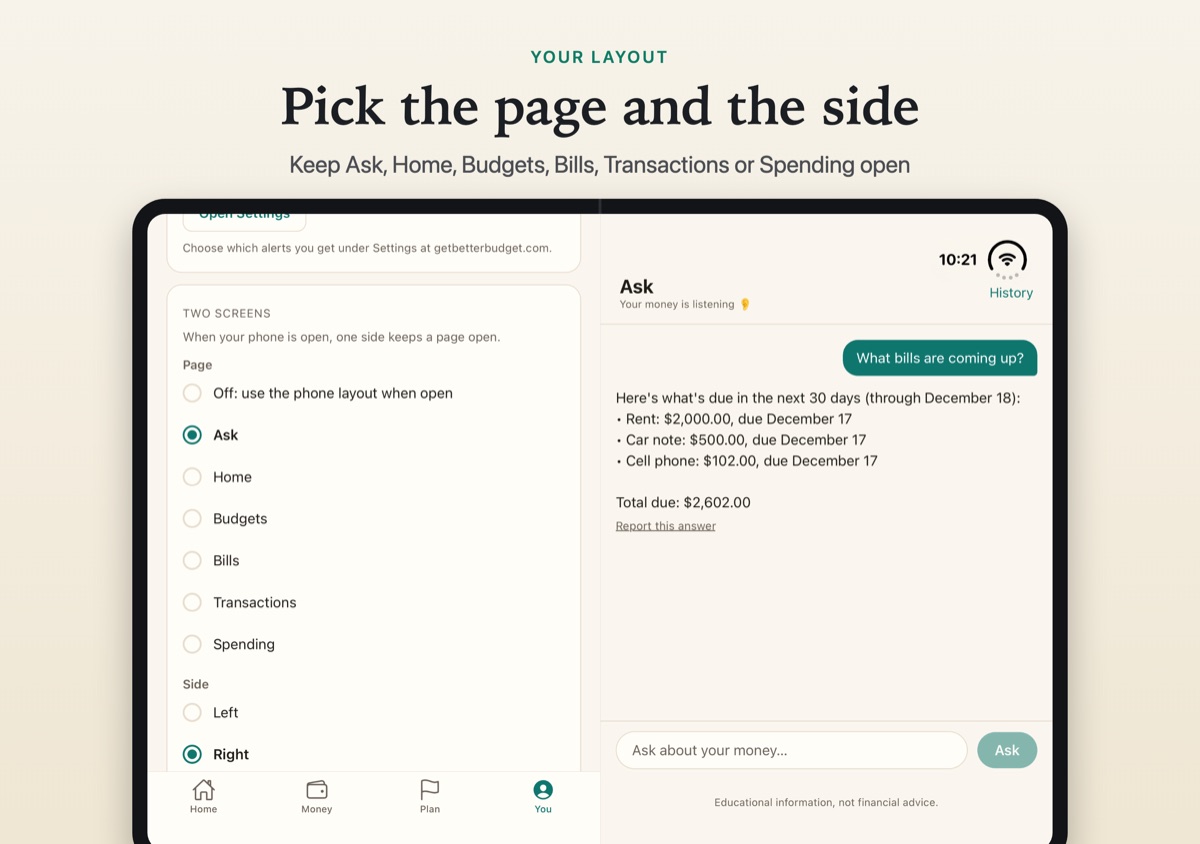
Pin the page you want. Keep Ask, Home, Budgets, Bills, Transactions or Spending open on one side.
Left or right. Put it on the side that suits you, or turn two screens off.
Fold it and carry on. Close the phone and the app goes back to one screen, and your Ask conversation is still there.
How to set it up
On the You tab, open Two screens. Choose the page that stays open and the side it sits on. The choice is saved on that phone.
Where it works
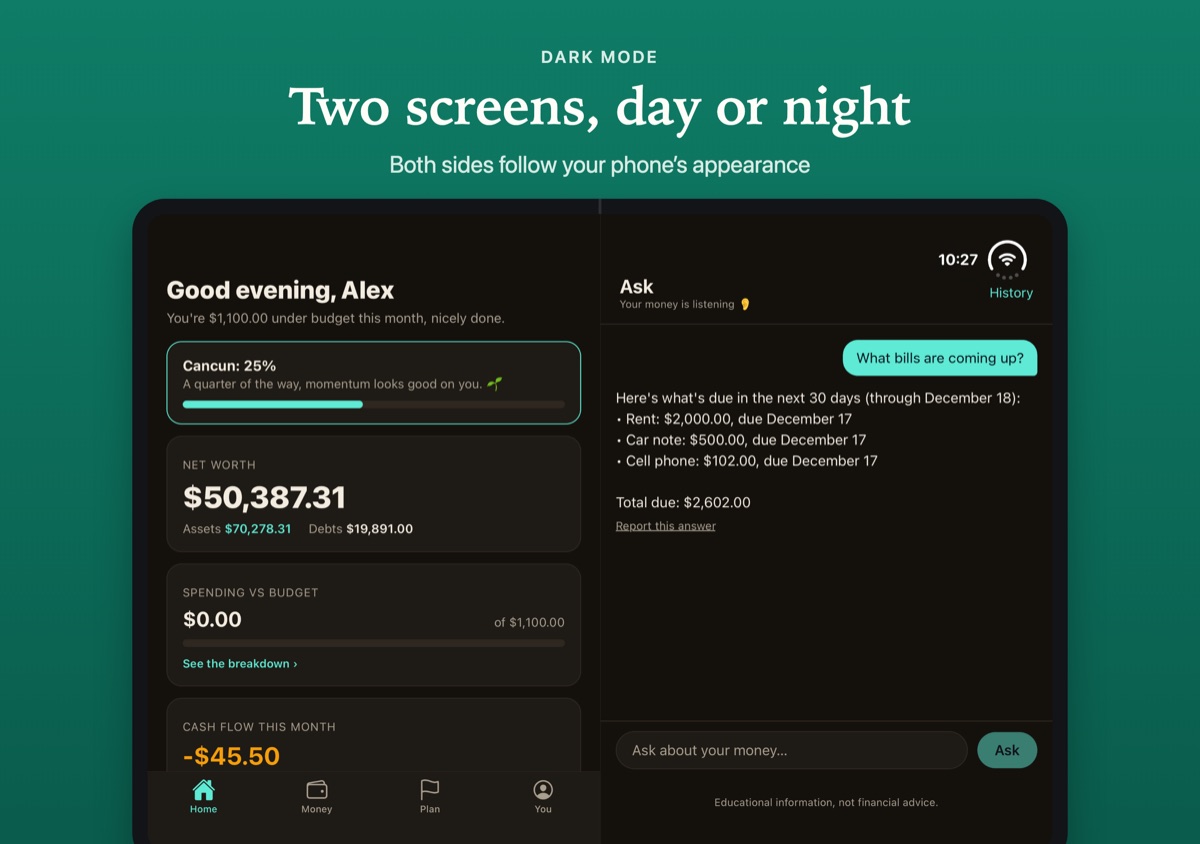
iPhone Duo and Android foldable phones, while the phone is open, in version 1.1 or later. iPad, Android tablets and flip phones keep the one-screen layout. Both screens follow your phone's light or dark appearance.
Common questions
Does BetterBudget work on iPhone Duo?
Yes. From version 1.1, BetterBudget uses both screens of an open iPhone Duo: Ask stays on one side while you use the app on the other. Closed, it works as it does on any iPhone.
Does it work on Android foldables?
Yes. From version 1.1, an open Android foldable shows two panes, with Ask, or another page you choose, on one side.
Can I choose what stays open?
Yes. On the You tab, under Two screens, pick Ask, Home, Budgets, Bills, Transactions or Spending, choose left or right, or turn two screens off.
Does it show two panes on iPad?
No. Two panes are for foldable phones; iPad and Android tablets keep the one-screen layout.
Get the app on the App Store or Google Play.
iPhone is a trademark of Apple Inc., registered in the U.S. and other countries. Android is a trademark of Google LLC.